

The Salon Management Checklist: Team, Pay, Checkout and Bookings
A simple checklist for salon owners: sort out your team and pay, your checkout and stock, your bookings and WhatsApp, and how you bring clients back.
Salon Operations & Content, Blyssbook
TL;DR: The short version for salon owners
1. Introduction: The Modern Salon Landscape in 2026
Running a salon is busy. Between clients you're answering messages, sorting out who works when and working out what each person is owed. Pen and paper, a phone full of chats and a spreadsheet can work for a while, but they get harder the bigger you grow. This checklist goes through the main jobs one by one, so you can see what to fix first.
None of this is about fancy tools. It's about getting your hours back and not losing money in the small gaps: a message you missed, an empty slot, a pay slip that doesn't add up.
2. Phase 1: Staff Optimization & Commission Scheduling
Your team is the salon. But working out who is in when, who has a day off and what everyone has earned takes up a lot of an owner's time.
Optimizing Shifts with Data
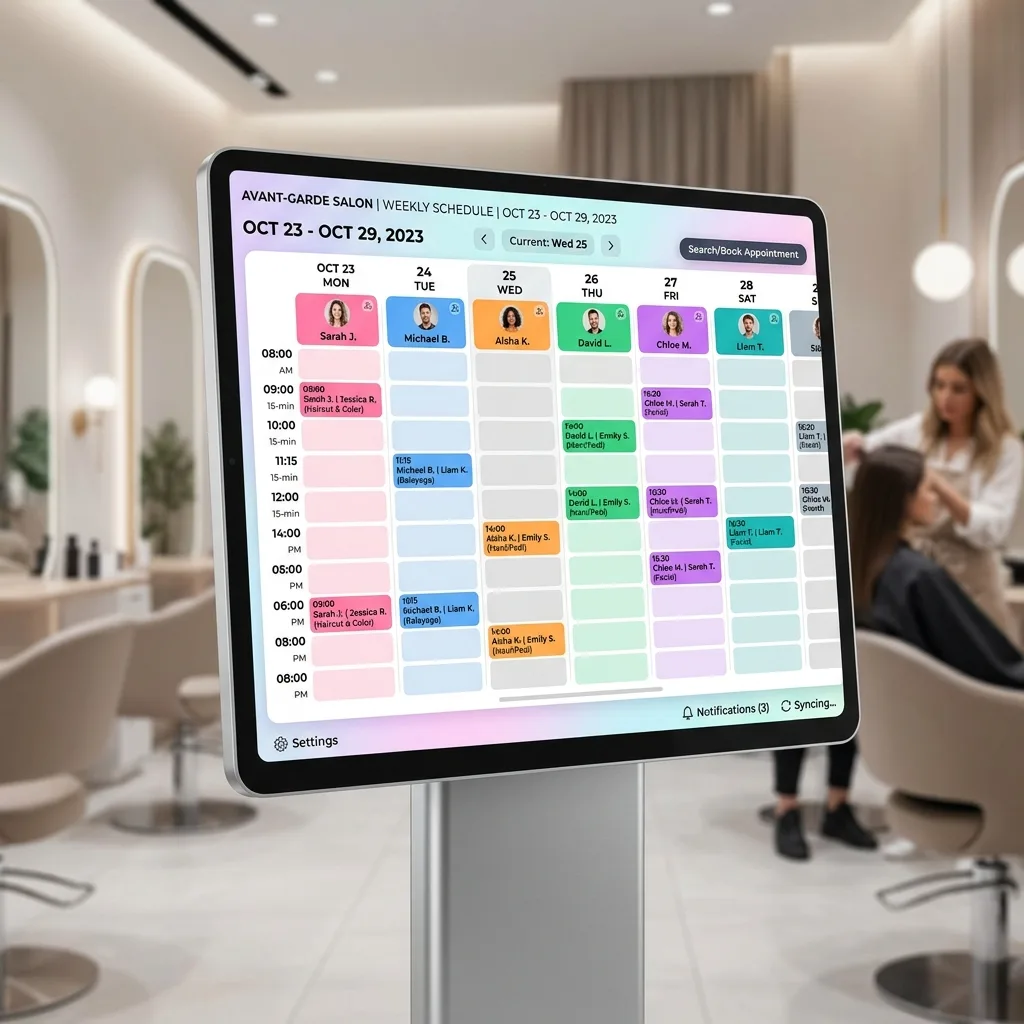
Look at when your diary fills up and when it goes quiet. Put your most booked stylists on the busy days and times. Use the quiet slots for newer staff, who can build their own book with lower-priced services. You'll have fewer gaps, and your best people won't burn out.
Automating Stylist Commission and Payroll
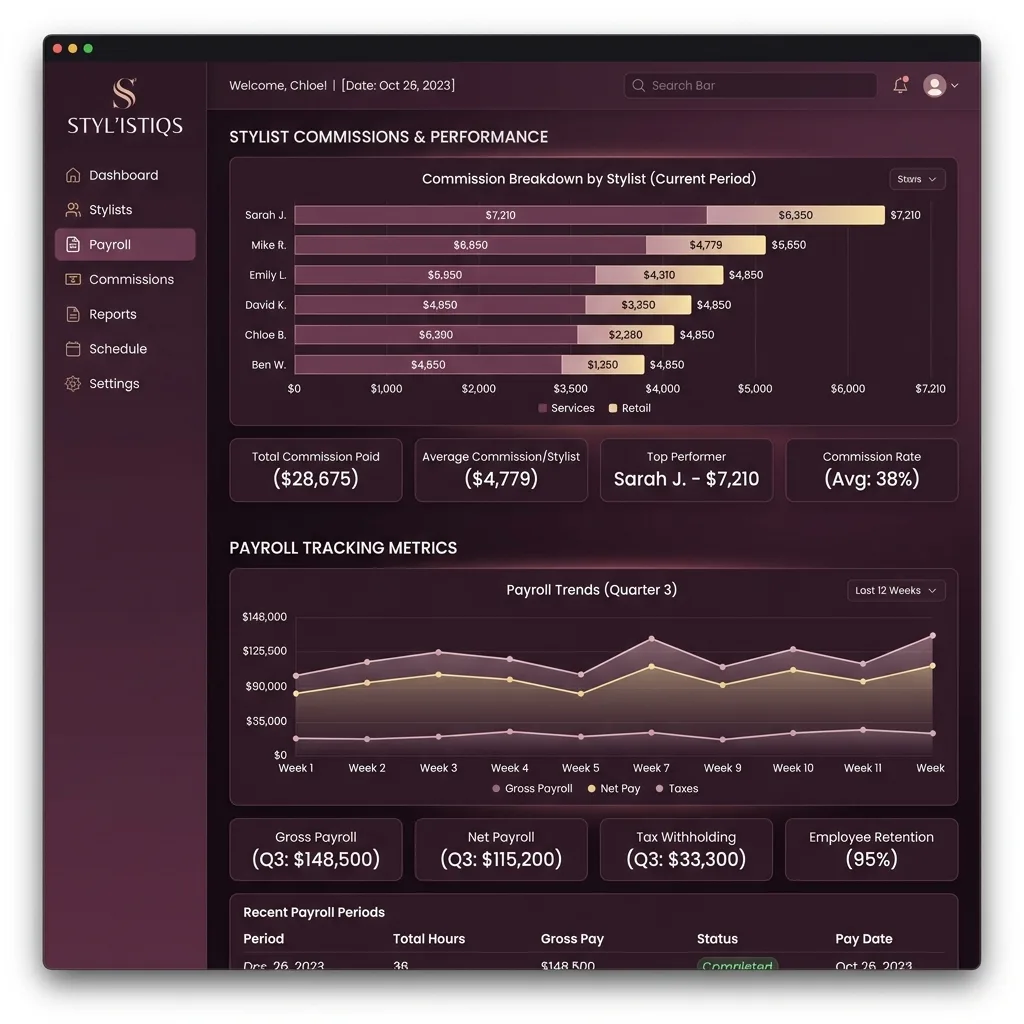
Pay can be a flat wage, a commission on what someone brings in, or a mix of both. Doing it by hand takes ages, and a mistake can make your team lose trust in you. Whatever you use, it should:
- Work out commission on services and on the products you sell.
- Count tips and give them to the right person.
- Show each person what they earned, so there are no arguments at the end of the month.
When the sums are done for you, pay day is quicker and there are fewer mistakes to put right.
3. Phase 2: Modern POS Infrastructure & Inventory Control
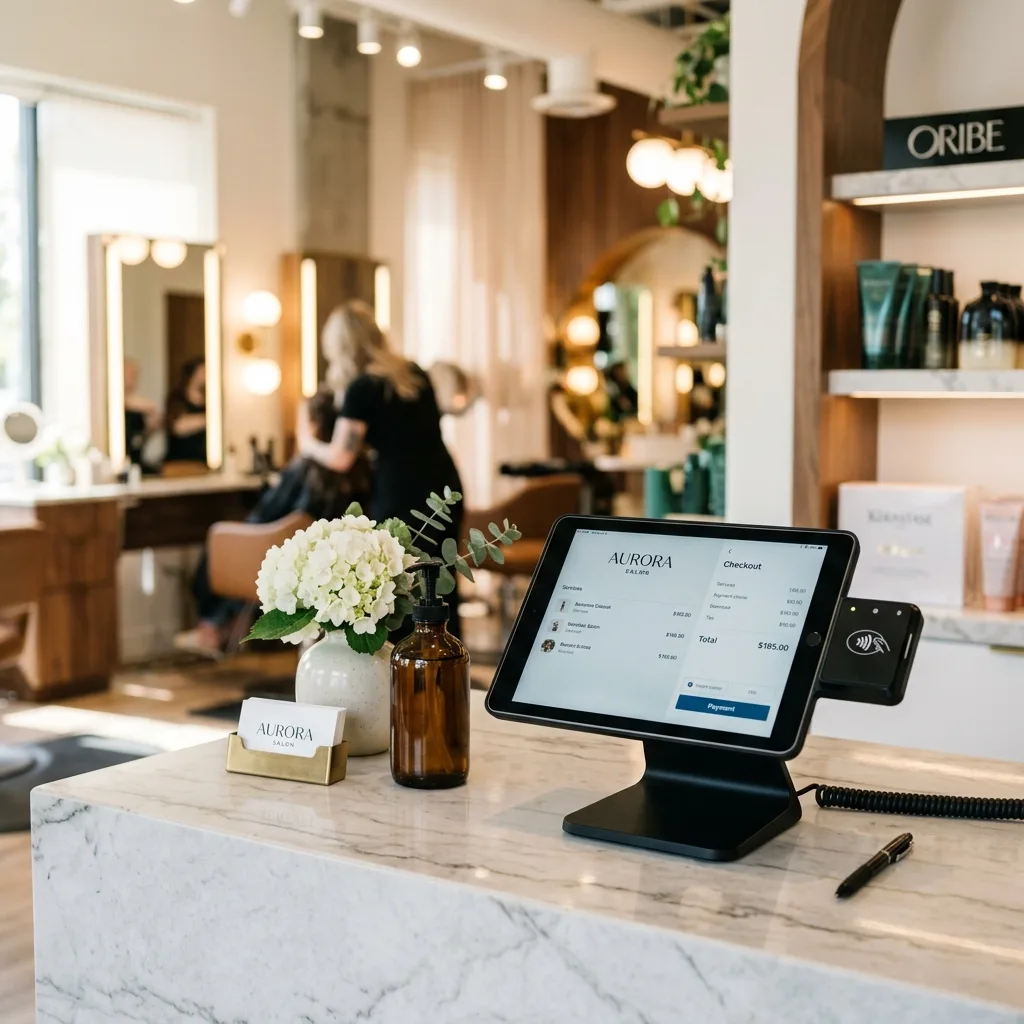
Your till is the last thing a client sees. It should be quick, and it should be connected to your diary and your stock, so you're not typing the same thing twice. Clients also like to pay their own way, whether that's cash, card or a transfer.
Integrating Sales with Retail Inventory
Selling shampoo, conditioner and styling products is an easy way to add to each visit, and the profit on a bottle is usually good. But it only works if you know what's on the shelf. Nothing loses a sale like running out of the product a client asked for.
When you sell something, your checkout should take it off your stock count and show you what's running low, so you can reorder in time. If you pay commission on products, that should be worked out at the same moment.

4. Phase 3: Hyper-Efficient Booking & WhatsApp Automation
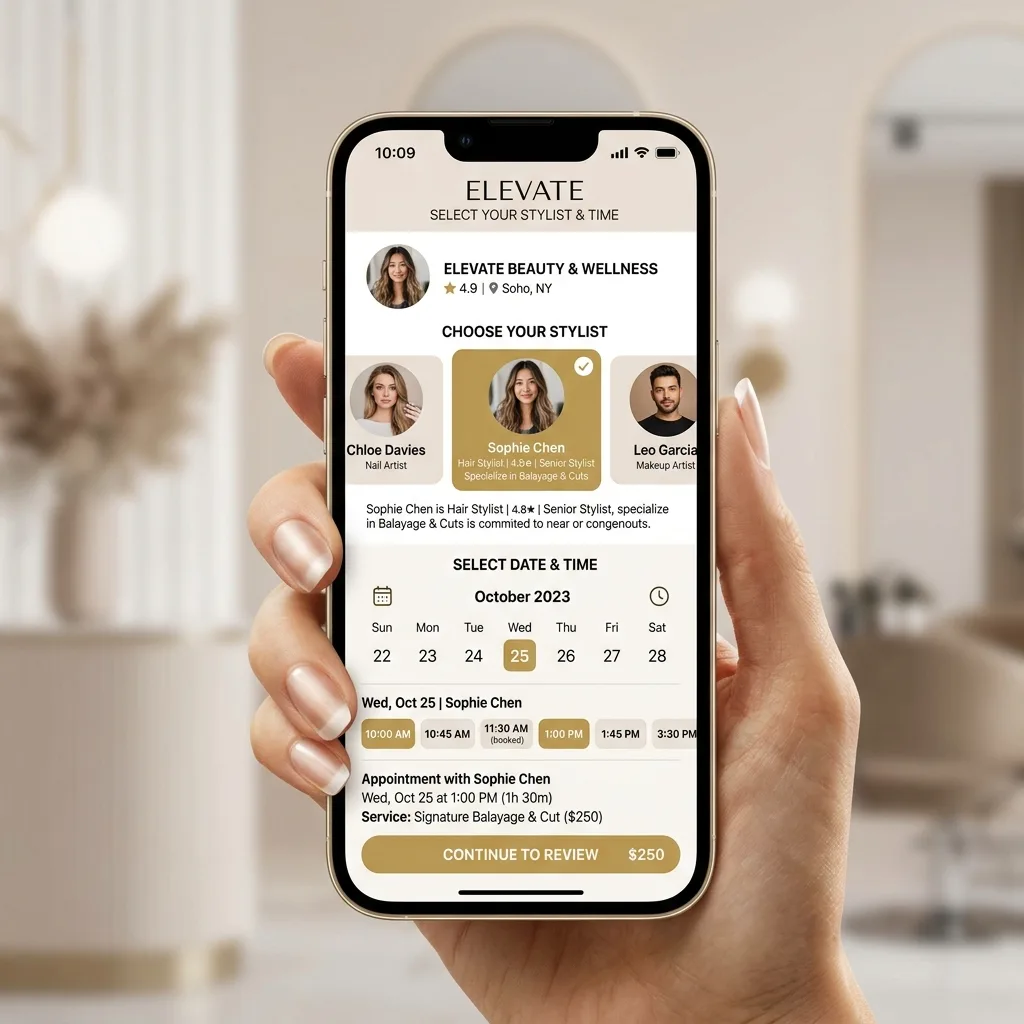
Your diary is the heart of the salon. If clients can only book by phoning during opening hours, some of them will give up and go somewhere else. Lots of people want to book in the evening, or straight from your Instagram, without waiting for a reply.
Why Conversational Booking (WhatsApp) is the Future
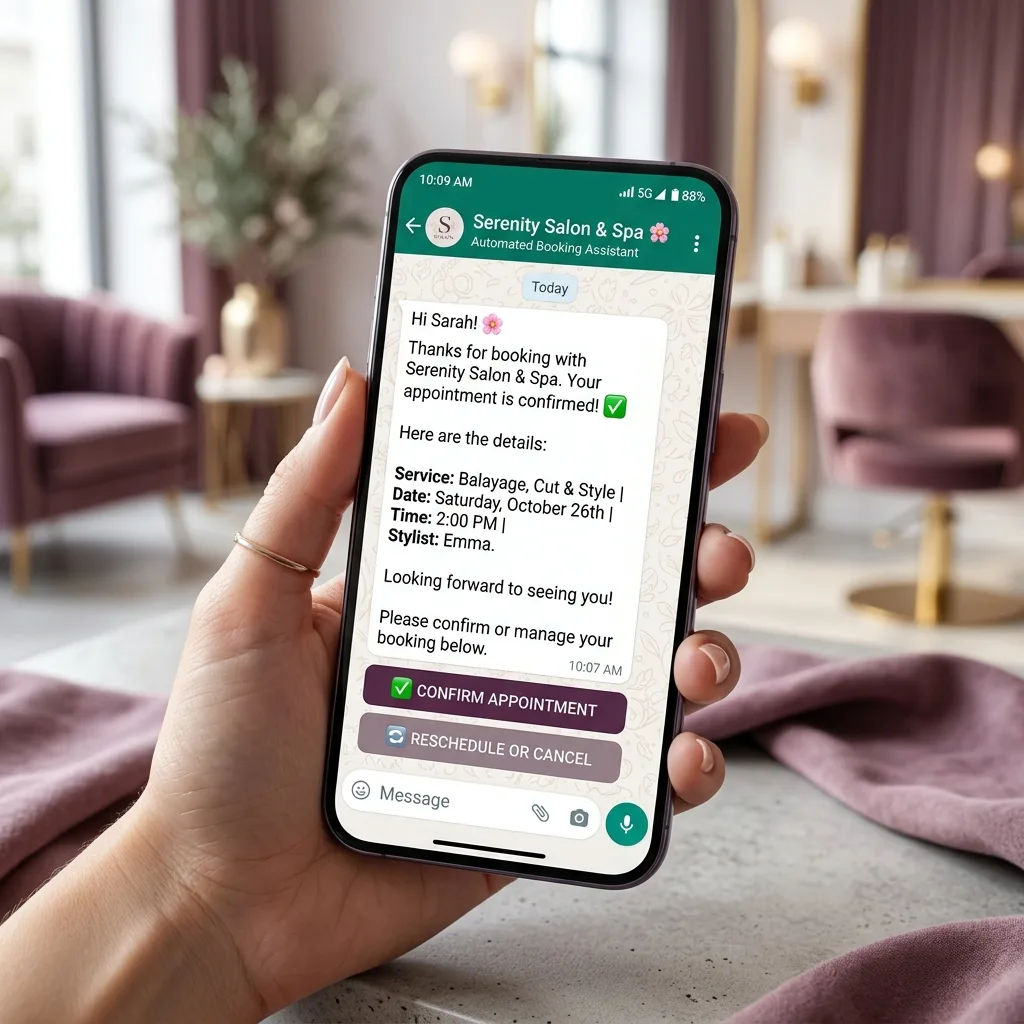
Many of your clients are on WhatsApp all day, and they will see a message there faster than an email. With an AI booking assistant, a client can ask for a time, book, move or cancel in a normal chat while you carry on with your client. Blyssbook's assistant works on WhatsApp, Instagram and Messenger, and it comes with the Professional plan.
Reminders are the other half. A no-show is one of the biggest money drains in a salon: you set the time aside and can't sell it again. A WhatsApp reminder the day before and another a couple of hours before gives clients the chance to confirm, or to tell you they can't come while you can still fill the slot. A deposit when they book helps too. On Blyssbook, WhatsApp reminders and deposits are on the Professional plan.
A short reminder is a lot cheaper than an empty chair.
5. Phase 4: Client Retention, Loyalty Loops & Marketing
Keeping a client is easier than finding a new one. The best way is to know them: what they had done last time, what they like and when they're due back. Regulars come back every few weeks, so a little follow-up goes a long way.
Detailed Client Profiles & Formula Tracking
A good client record is more than a name and a phone number. Write down colour formulas, how long things took to process, the products they like and any allergies. Then anyone on your team can pick up where the last person left off, and the client gets the same result every time.

Triggered Rebooking and Marketing Campaigns
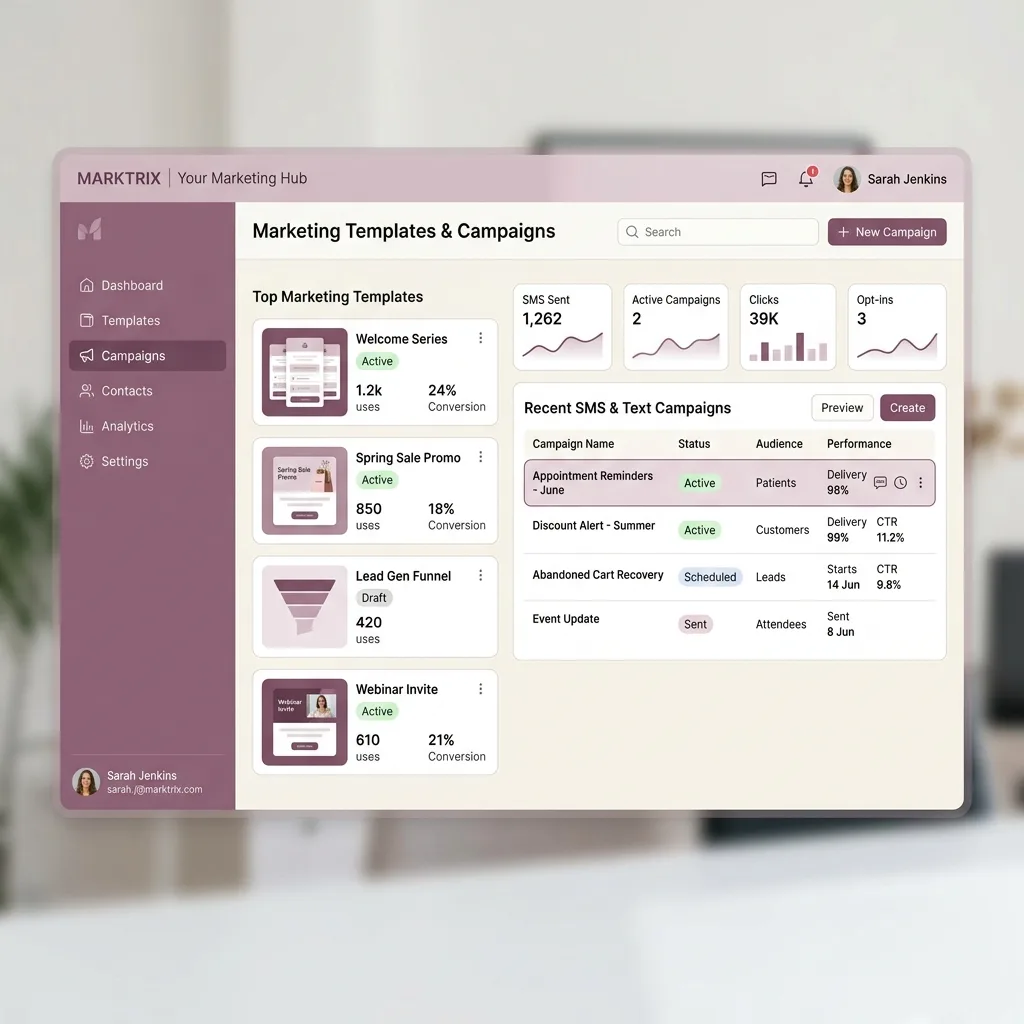
Don't wait for clients to notice it's time for a touch-up. If someone had highlights six weeks ago, send a friendly message like: "Hey Sam, time to refresh your blonde? Saturday at 11 with Sarah is free." On the Professional plan, Blyssbook sends a "we miss you" message on its own when someone hasn't been in for 30 or 60 days, and you can send an offer to a group of clients, such as everyone you haven't seen in two months.
6. Phase 5: Financial Metrics, KPIs & Scaling Analytics
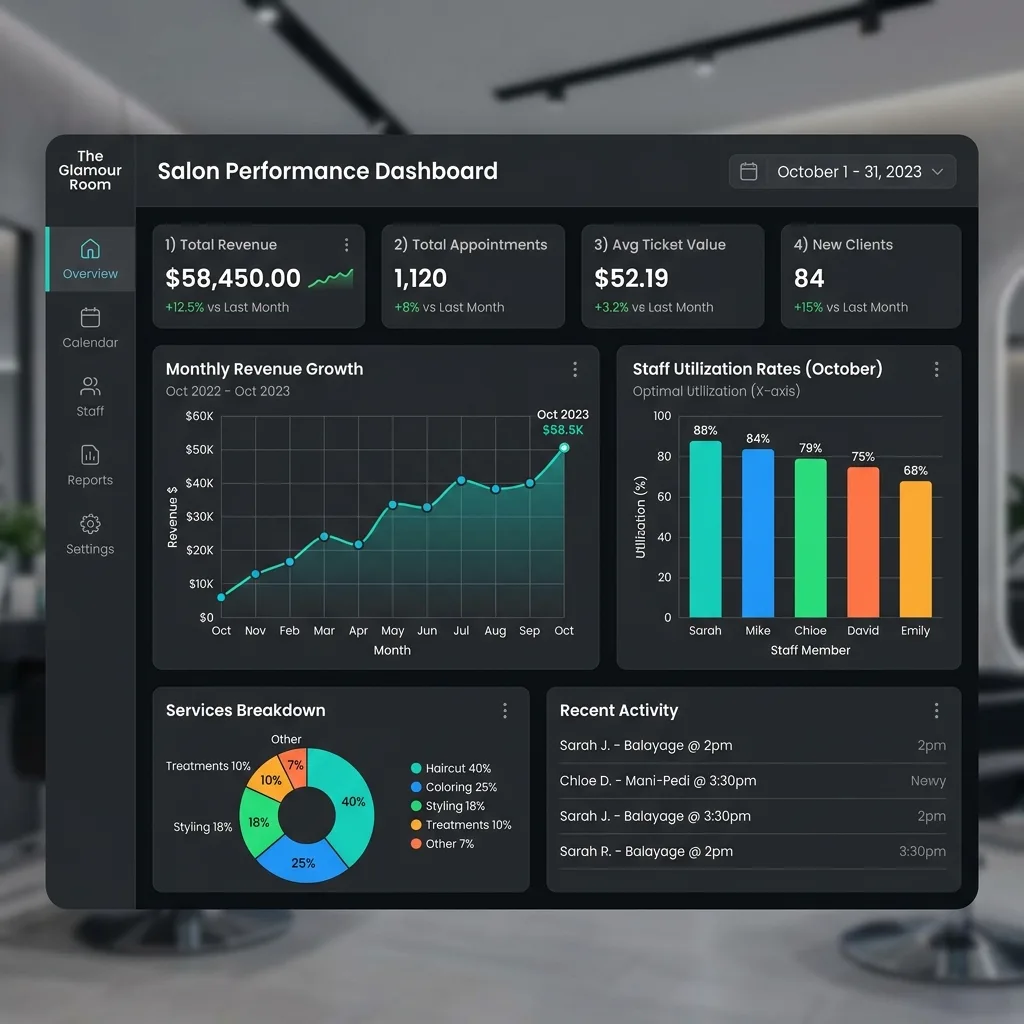
To grow, you need to know your numbers. You don't need many. Check these now and then, ideally once a month, and see which way they're moving.
Here are five numbers worth watching:
- Average ticket: What a client spends per visit. You raise it by suggesting an add-on or a take-home product.
- Time booked: How much of your working hours are filled with paying clients. If a lot of the day sits empty, look at your shifts and your marketing.
- Rebooking: How many clients book their next visit before they leave. A common target is for most regulars to do this, and simply asking every client helps.
- Cost of a new client: What you spend on marketing divided by the new clients it brought in. If a new client costs more than they spend in their first couple of visits, rethink where the money goes.
- Retail share: The part of your takings that comes from product sales. Pick a number that makes sense for your salon and watch it month by month.
7. Checklist Summary: Traditional vs. Automated Management
Here is the whole checklist in one table: how each job looks done by hand, and how it looks with one system doing the work.
| What to sort out | Doing it by hand | With one system | What changes for you |
|---|---|---|---|
| Booking | Phone calls and a paper diary. Nobody can book when you're closed. | A booking page that's open day and night, and an AI assistant on WhatsApp, Instagram and Messenger (Professional plan). | Clients book any time and you answer fewer messages. |
| Staff and pay | A spreadsheet and a calculator at the end of the month. | Each person's hours and services in one place, with commission and tips worked out for you (Professional plan). | Less time on admin and fewer pay mistakes. |
| Stock and checkout | Counting shelves by hand and a card machine that doesn't talk to anything. | Checkout that takes stock off when you sell and shows what's running low. | You're less likely to run out of what sells. |
| No-shows | Calling or texting clients yourself, when you remember. | WhatsApp reminders go out on their own, and you can take a deposit (Professional plan). | Fewer empty slots. |
| Bringing clients back | Trying to remember who is due, or one message to everyone. | Client notes and history, "we miss you" messages and offers to the clients you choose. | Regulars come back sooner. |
8. Conclusion: Scalability Through Automation
Running a salon shouldn't mean spending your evenings counting the till, chasing unconfirmed bookings and working out pay. Go through this checklist one step at a time. Fix the job that eats most of your time first, then move on to the next.
If you'd like to see how it works, Blyssbook puts your booking page, WhatsApp, team diary, checkout and stock in one place. You can try it free for 14 days, no card needed.
Frequently Asked Questions
1. How can WhatsApp reminders help with no-shows?
A no-show is an empty slot you can't get back. A reminder the day before and another a couple of hours before gives clients an easy way to confirm or move their appointment, so you hear about changes while you can still fill the gap. A deposit when they book helps as well. On Blyssbook, WhatsApp reminders and deposits come with the Professional plan.
2. How do you calculate stylist commissions fairly?
Keep it clear and fair. Set one rate for services and another for the products you sell, and let each person see how theirs was worked out. Some salons pay a higher rate once a stylist passes a sales target. Whatever you choose, tell your team before you start and write it down. A system that does the sums for you stops mistakes and arguments.
3. Why should my salon use WhatsApp for booking instead of just email?
Email gets lost in busy inboxes. Many clients are on WhatsApp all day and already message you there. With WhatsApp booking they can pick a time, ask a quick question and confirm without opening a website. You keep the WhatsApp number your clients already have.
4. What features should I look for in a salon POS system?
Look for a till that's linked to your diary and your stock, so you don't type things twice. It should take stock off when you sell, work out commission on products and give tips to the right person. Check that it takes the ways your clients pay, such as cash, card or transfer.
5. How can I increase my salon's Average Ticket Value (ATV)?
Suggest a take-home product at checkout when it fits what the client just had done. Offer an add-on during the consultation, like a gloss or a scalp treatment. And keep notes on each client so you remember what they liked last time. Small suggestions at the right moment add up.
Written by Sam Rahman, Salon Operations & Content at Blyssbook. Last updated 22 October 2026.