

How to Send Appointment Reminders on WhatsApp for Your Salon (Step-by-Step Guide)
A step-by-step guide to setting up automated WhatsApp appointment reminders for your salon — reminder timing, message templates, and how it cuts no-shows.
Salon Operations & Content, Blyssbook
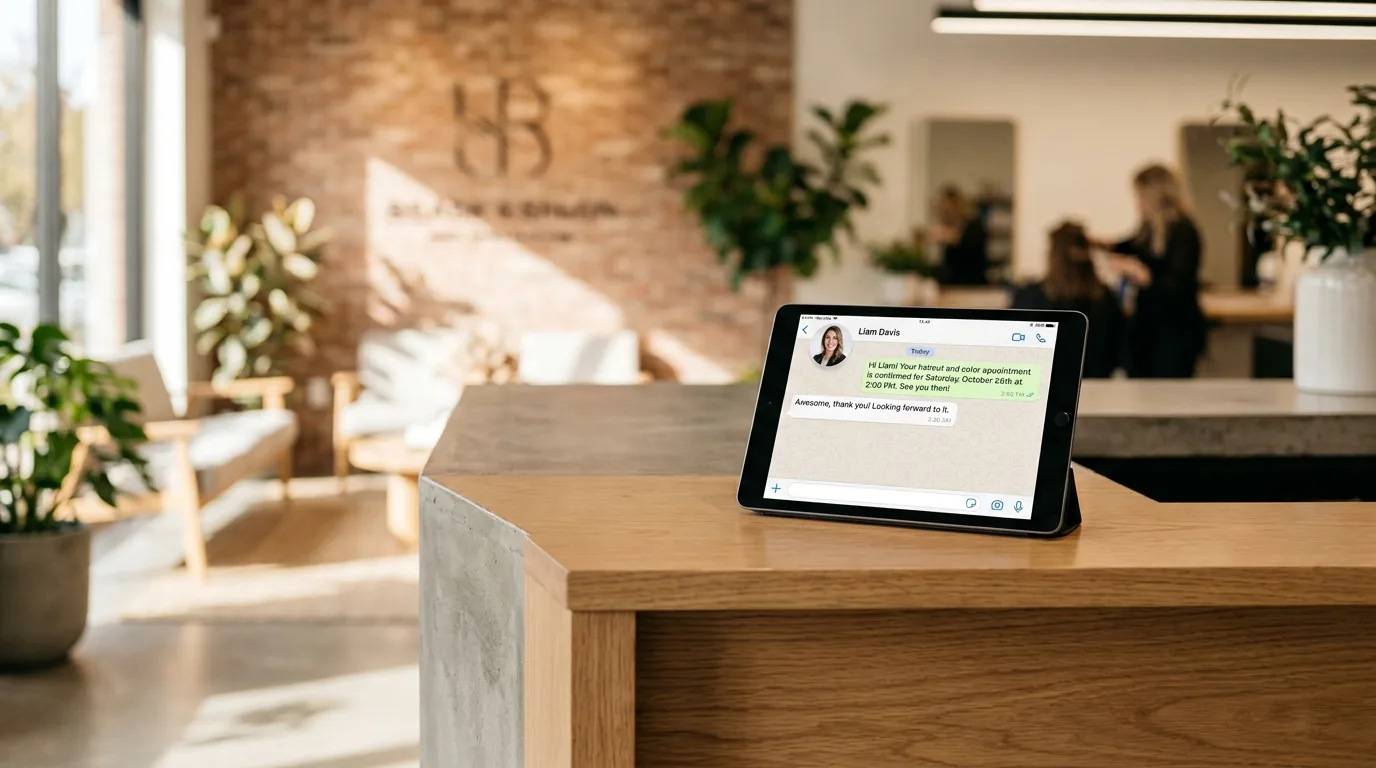
If your salon still relies on staff remembering to call clients the day before, you already know how that goes: calls that go to voicemail, clients who forget anyway, and a front desk that spends an hour a day on reminder calls instead of clients in the chair. WhatsApp reminders fix this — messages get read within minutes in most markets, clients can reply to confirm or reschedule without picking up the phone, and once it's set up, it runs without anyone remembering to do it. Here's exactly how to set it up, step by step.
Why WhatsApp beats calls, SMS, and email for reminders
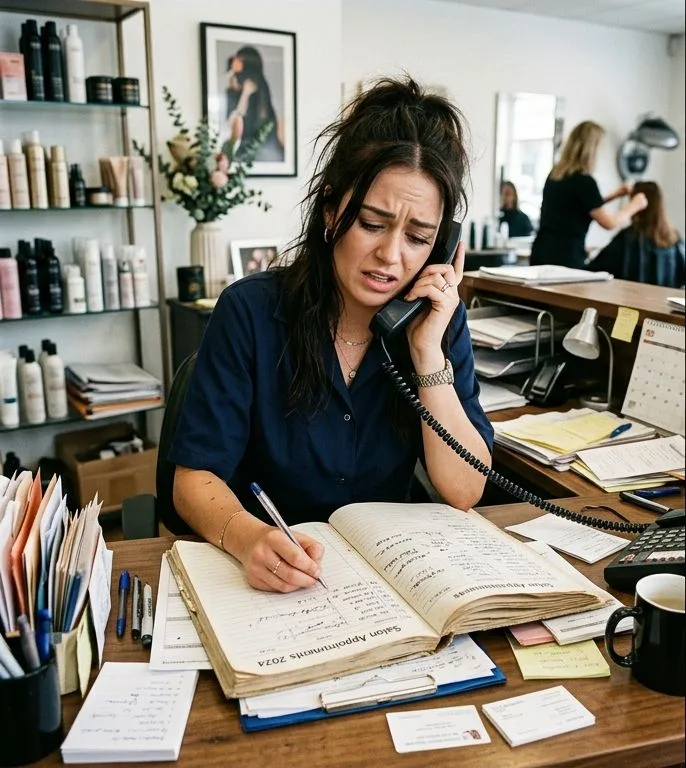
Manual reminder calls don't scale — every extra client booked is more time your front desk spends on the phone instead of serving people in the salon. SMS gets read eventually but rarely gets a reply, so you don't actually know if the client saw it. Email reminders for a same-week appointment often go unread entirely. In markets where WhatsApp is the primary messaging app, a reminder sent there gets read fast and, because it's a two-way chat, a client can just reply "can I move to 4pm?" instead of calling — which is exactly the kind of low-friction rescheduling that turns a would-be no-show into a filled slot instead.
How to set up WhatsApp appointment reminders
Step 1: Connect a WhatsApp Business number to your booking system
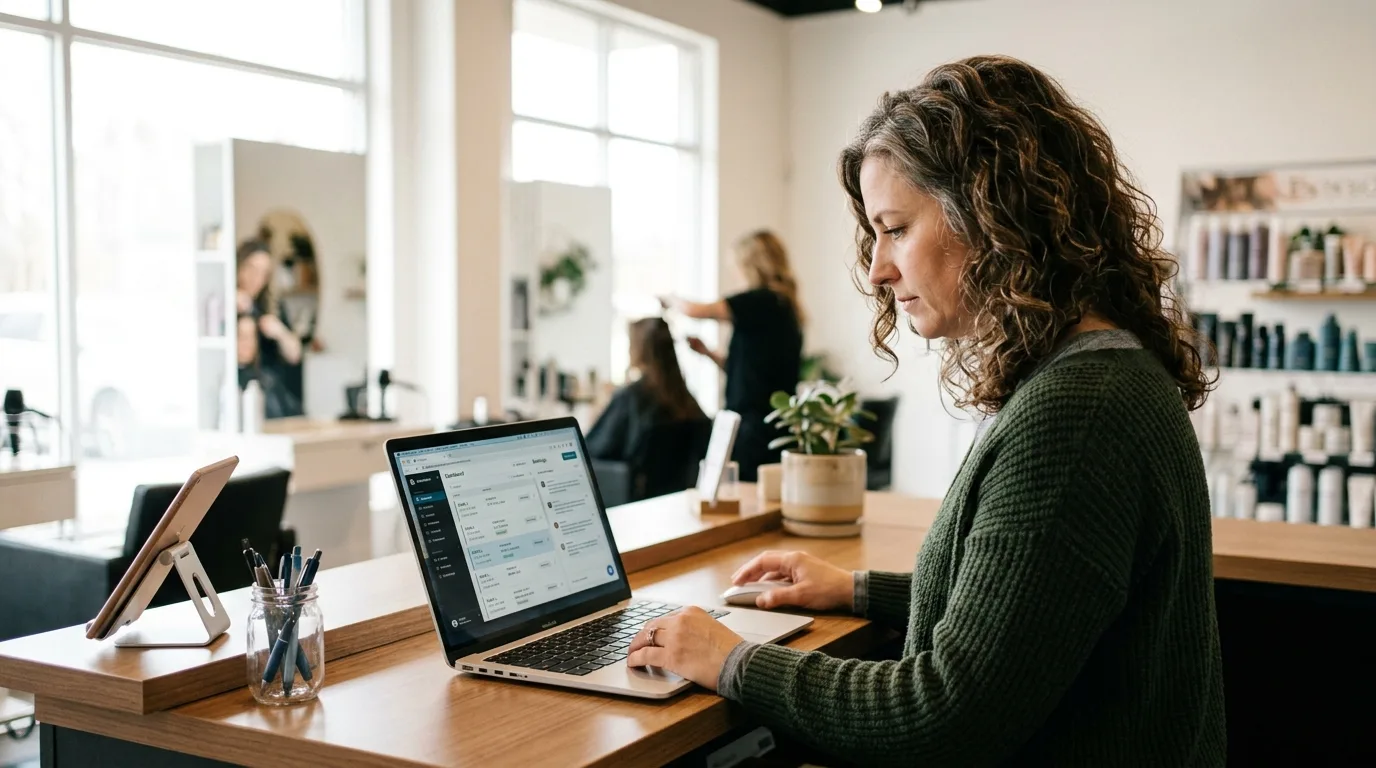
You need a WhatsApp Business number linked to whatever holds your appointment data, so reminders can be triggered automatically instead of typed out one by one. In Blyssbook, this is built in — connect your WhatsApp Business number once in your dashboard settings, and every booking made through your booking page, staff calendar, or WhatsApp itself is instantly reminder-ready. No separate messaging tool, no manual export of client numbers.
Step 2: Write two reminder templates — 24 hours and 2 hours before
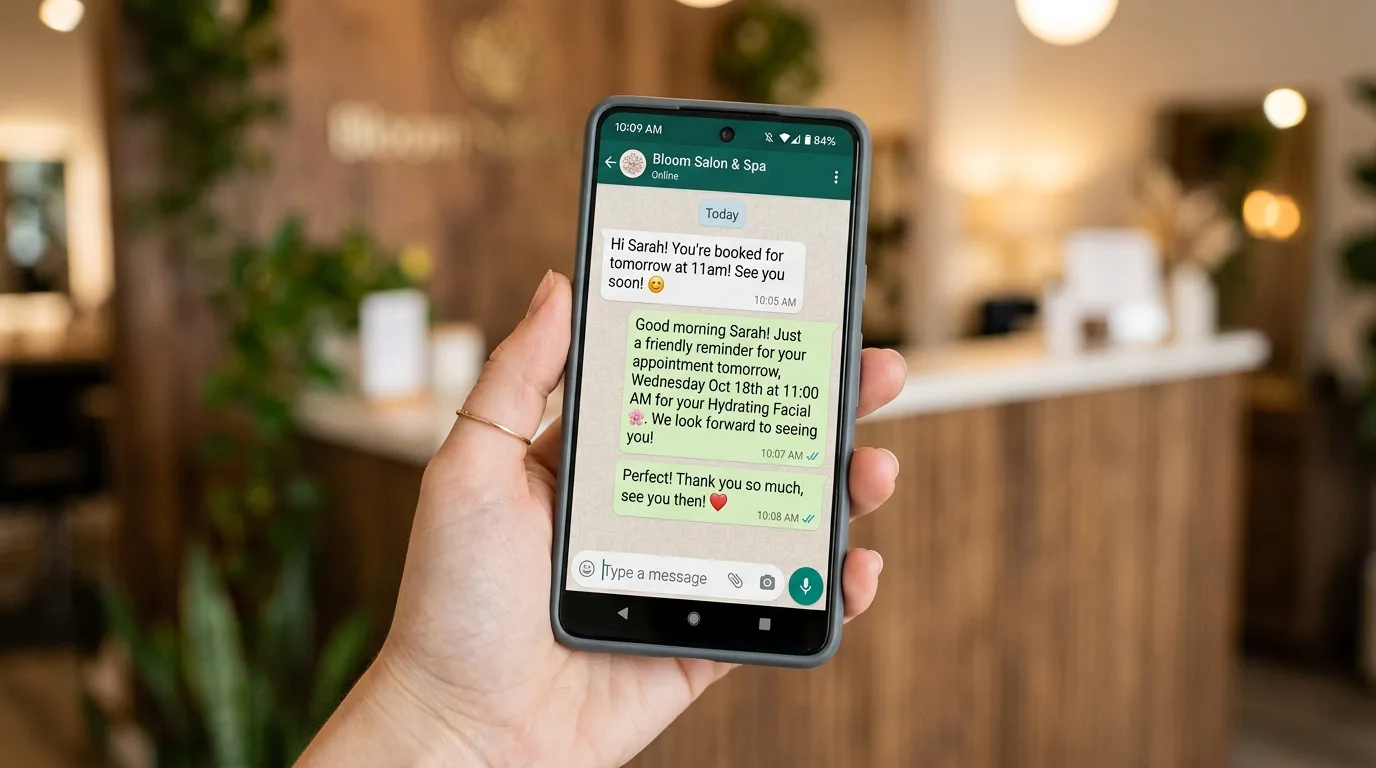
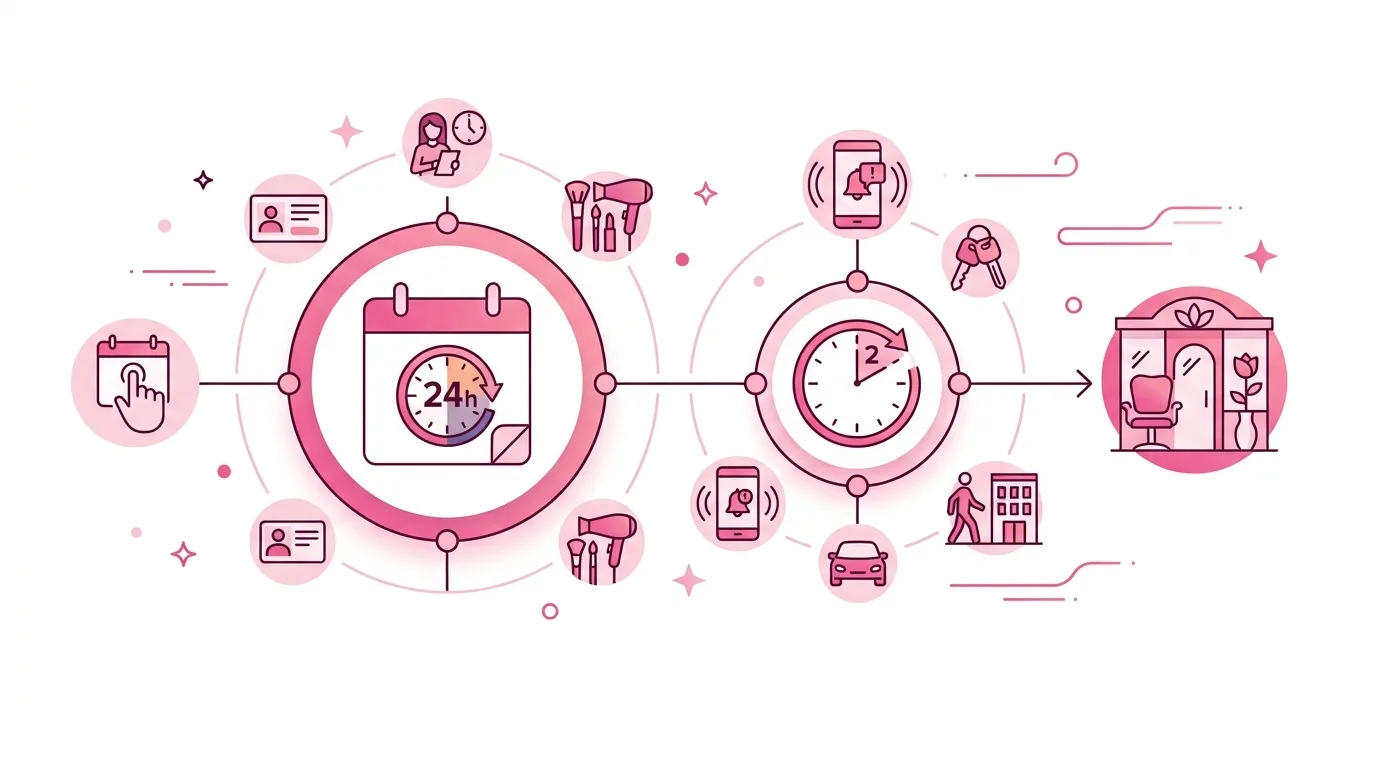
One reminder isn't enough, and more than two starts to feel like spam. The pattern that works best is a 24-hour reminder (enough notice that a cancellation can still be filled) and a 2-hour reminder (a final nudge that catches people who forgot). Keep both short: client name, service, date and time, and a one-line way to reply if they need to reschedule. Avoid generic wording like "you have an appointment" — naming the actual service ("your haircut and colour") makes the message feel personal rather than automated, even though it is automated.
Step 3: Set the timing rules once, not per booking
This is where automation actually pays off — you configure the 24-hour and 2-hour timing rule a single time, and it applies to every future booking automatically, regardless of who made it or which staff member it's with. Blyssbook's WhatsApp automation handles this natively: once your reminder templates are set, every appointment booked gets both reminders sent on schedule without any manual triggering, whether the client booked online, by phone, or through your WhatsApp inbox directly.
Step 4: Let clients reply to confirm or reschedule directly
The real advantage over a one-way SMS blast is that WhatsApp is a conversation. When a client replies "can't make it, can we do Thursday instead?", that message should land somewhere your staff actually sees it — not disappear into a personal phone nobody's watching. Blyssbook routes WhatsApp replies into a shared inbox tied to the client's booking record, so any staff member can see the history and rebook them without starting from scratch.
Step 5: Check your no-show rate after 2-3 weeks and adjust
Give the new reminder flow a couple of weeks, then look at whether no-shows dropped. If they didn't move much, the usual culprits are: reminders going out too early (send the 24-hour one closer to exactly 24 hours, not the morning before regardless of appointment time), or template wording that reads as generic rather than personal. For clients who still no-show after two working reminders, that's the signal to add a deposit requirement for their next booking rather than tightening the policy for everyone.
What this actually saves you
Set up once, this replaces a recurring daily task with something that runs itself — no staff member spending part of their morning calling down the appointment list, and no client falling through the cracks because a reminder call didn't get made on a busy day. The bigger win is fewer empty chairs: a client who gets a 24-hour reminder and needs to cancel can still be replaced from a waitlist, where a client who simply forgot and no-showed leaves that slot empty for good.
WhatsApp appointment reminders — FAQ
Do I need a separate WhatsApp Business app for this?
No — if your booking software has WhatsApp automation built in, like Blyssbook does, you connect one WhatsApp Business number directly to your booking system and reminders are triggered automatically from your appointment data. You don't need to run a separate WhatsApp Business app alongside your booking software.
Will clients think automated reminders feel impersonal?
Not if the message includes their name and the actual service booked instead of generic wording. Most clients don't distinguish between a well-written automated reminder and a manually typed one — what they notice is whether the reminder arrived at all and whether it was easy to reply to.
How many reminders is too many?
Two is the sweet spot for most salons — a 24-hour reminder and a 2-hour reminder. A third reminder on the morning of a same-day appointment can start to feel excessive, and reminders sent more than 24 hours out are usually too early to be top of mind.
Does this work for clients outside markets where WhatsApp is dominant?
It works anywhere WhatsApp is installed, but the read-rate advantage is largest in markets — much of the Middle East, South Asia, and parts of Europe and Africa — where WhatsApp is already the primary way clients message businesses. In markets where SMS or email is more standard, those channels may still be worth keeping as a backup alongside WhatsApp.
Written by Sam Rahman, Salon Operations & Content at Blyssbook. Last updated 7 July 2026.